
 Appediet
Cronometer vs Appediet: Nutrition Detail or Photo Logging?
Compare nutrition detail, food-entry review and everyday logging steps to choose a workflow that fits the meals you eat.
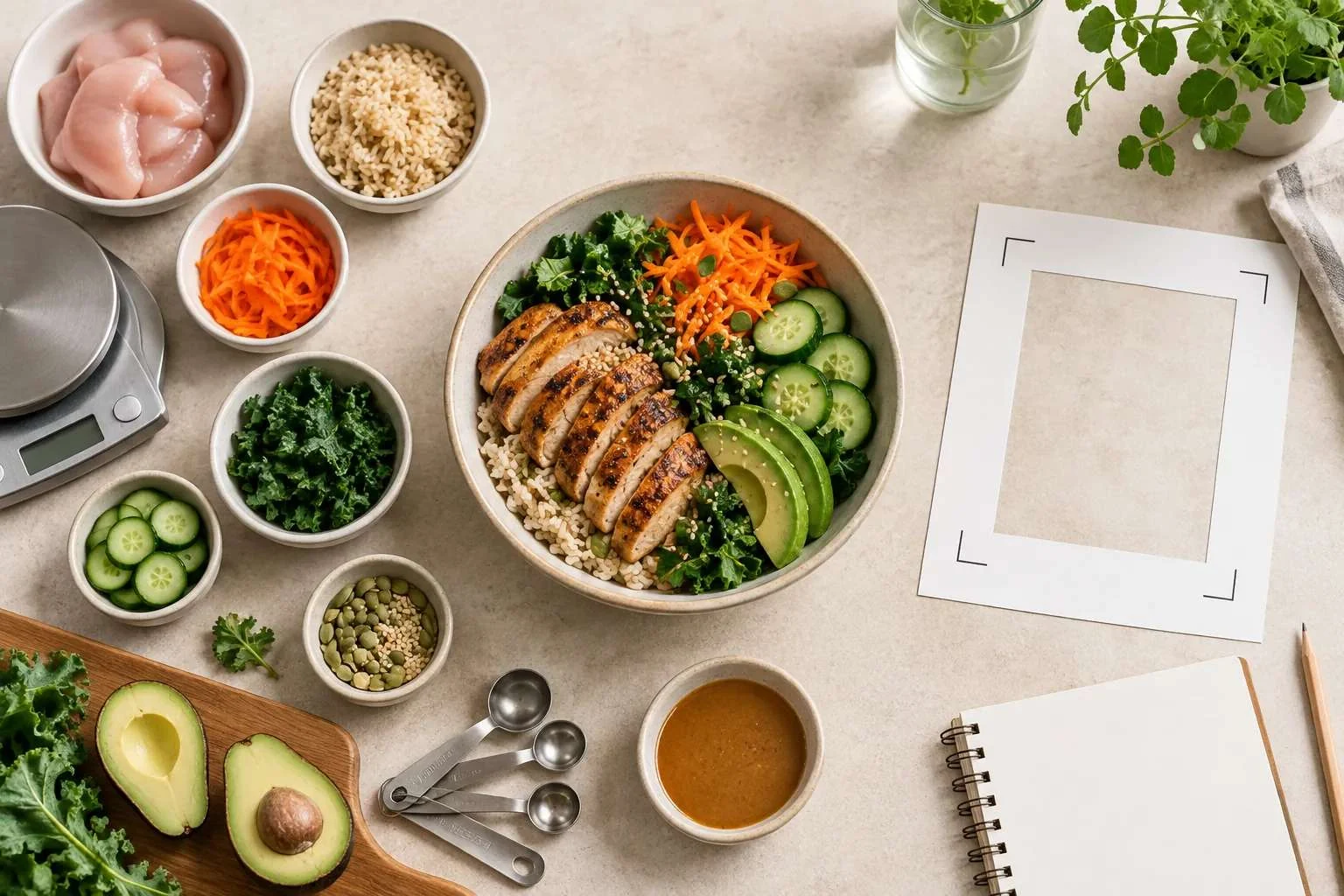
Cronometer and Appediet support overlapping nutrition-tracking tasks, but their public materials organize those tasks differently. Cronometer documents detailed nutrient analysis and several ways to log food. Appediet emphasizes starting with a meal photo, then reviewing the identified foods and nutrition. The useful choice depends on the information a person needs, the foods they eat, their preferred device, and the amount of review they are comfortable doing.
Who is this comparison for?
This guide is for readers who want a neutral way to compare two nutrition-tracking approaches without treating either product as the universal choice. It focuses on questions that can be checked from official documentation and a reader’s own trial:
- Which nutrition fields matter for the reader’s goal?
- Which input method fits the meals they usually eat?
- Can the result be reviewed and corrected before it is saved?
- Are the needed features available on the reader’s device and plan?
- Does the workflow remain practical for repeat meals?
If accuracy, speed, or food coverage is your deciding factor, test both apps with the same ordinary meals and include the time needed to correct each entry.
Start with the task, not the brand
A fair comparison begins with the job the reader needs to complete. Someone who regularly reviews vitamins and minerals may care about data sources and nutrient detail. Someone whose main difficulty is starting a meal log may care more about getting a reviewable first draft from a photo. A third person may depend on barcode logging, saved meals, web access, or a specific device connection.
None of those priorities establishes an overall advantage for either app. They describe different needs.
What the official materials describe
| Decision area | Cronometer documentation | Appediet documentation | What the reader should verify |
|---|---|---|---|
| Food input | Text search, barcode, photo, and voice options are described | Photo, barcode, food search, voice input, and conversation-based logging through AppeChat are described | Availability on the intended device and plan |
| Nutrition view | Detailed calories, macros, vitamins, minerals, and other nutrient fields are emphasized | Calories, macros, and broader nutrition information are emphasized | The fields visible for the reader’s common foods |
| Food data | Cronometer publishes a dedicated page explaining several data-source categories | Appediet’s App Store listing states more than 1.5 million food items and 108 nutrients; the listing does not name the underlying data sources | Whether a selected entry shows enough identity, preparation, unit, and source information for the reader’s use |
| Review step | Search results, serving sizes, and food entries still need to match what was eaten | Photo or database results still need review for food identity, portion, and hidden ingredients | How easy it is to correct a typical mixed meal |
| Platform access | Web, iOS, and Android access are documented | The official website provides a browser-based Get Started flow, alongside iOS and Android apps | Which platform the reader plans to use |
| Cost and access | Free and paid features are documented on official plan pages | Store offers and subscriptions can vary by platform and region | The current checkout screen, renewal terms, and required tier |
Appediet’s App Store listing gives specific catalog figures—more than 1.5 million items and 108 nutrients—but does not name the underlying source databases. This is a difference in published documentation, not a measurement of either product’s data quality.
Nutrition detail: what to compare
Cronometer’s public documentation names several food-data sources and explains that entries can represent lab-analyzed foods, branded products, community-reviewed foods, or custom foods. That documentation can help readers understand why two entries with similar names may contain different fields.
Appediet’s App Store listing states that its database contains more than 1.5 million food items and covers 108 nutrients. The listing does not name the source databases. Readers should therefore use the stated catalog figures as product documentation and inspect the selected food entry for its identity, preparation state, serving unit, and visible nutrient fields.
In either app, more fields do not make a mismatched food entry correct. The food identity, preparation state, serving unit, and amount still need to represent what was eaten.
Photo-first logging: what to compare
A meal photo can reduce the effort required to begin a log, especially for a plate with several visible foods. It cannot confirm an exact recipe, absorbed cooking fat, sauce quantity, or food hidden under another ingredient.
The useful comparison is therefore not simply whether an app has a camera feature. Check what happens after capture:
- Can each identified food be reviewed?
- Can a mismatched food or preparation state be changed?
- Can the portion be adjusted using a suitable unit?
- Can oil, sauce, drinks, and toppings be added separately?
- Can the corrected meal be reused when it appears again?
The same five review questions apply to the photo-logging workflows documented for both products.
Use one meal for a fair personal trial
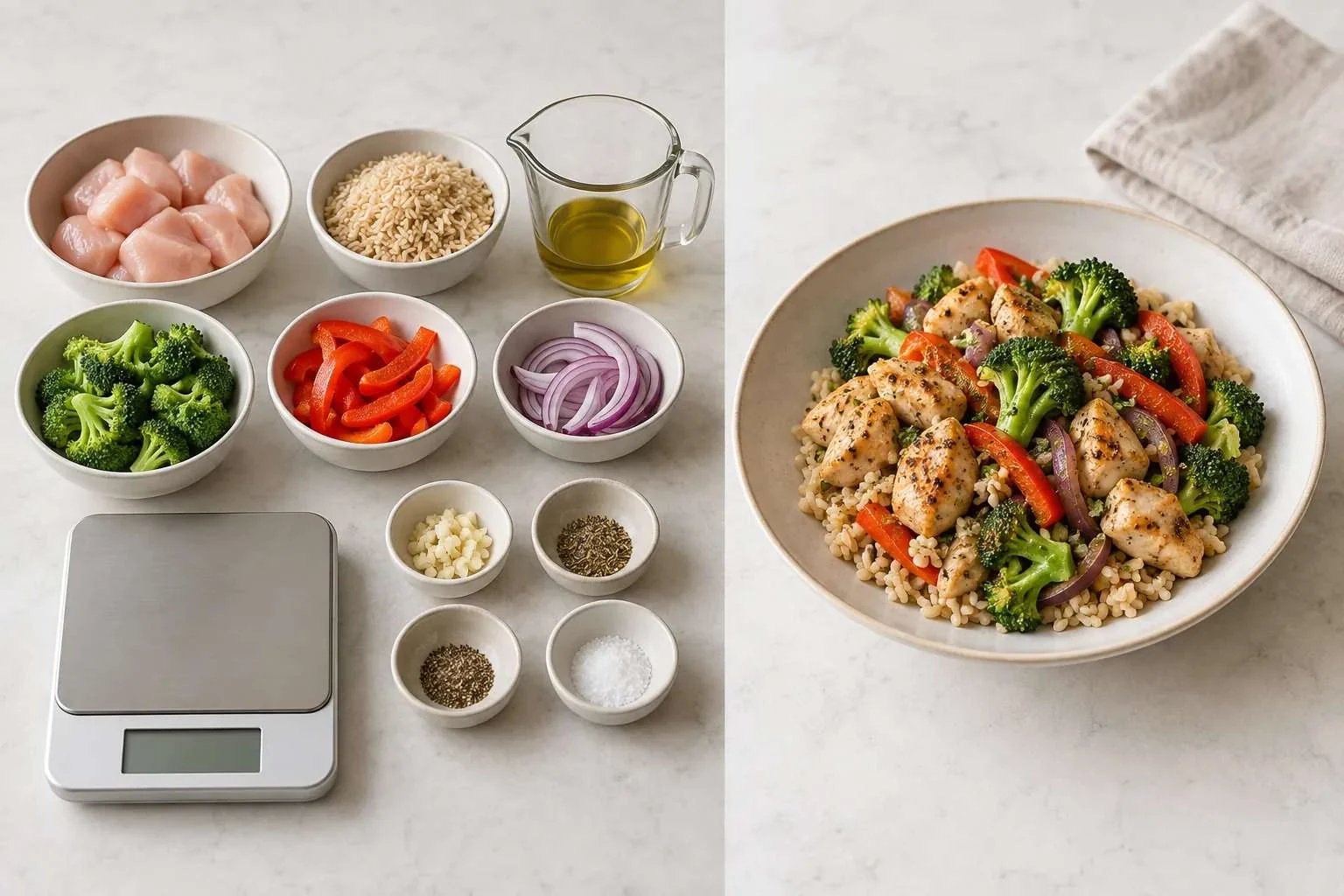
A reader can compare workflows without turning the result into a universal ranking. Choose one ordinary meal that contains several visible components and one uncertain detail, such as a grain bowl with protein, vegetables, and sauce.
Record the same information for each product:
- device, region, language, and plan;
- input method used;
- proposed food identities and preparation states;
- available serving units;
- visible nutrition fields;
- corrections required before saving;
- treatment of oil, sauce, and other hidden ingredients;
- whether the corrected meal can be reused.
A single meal can show whether a workflow fits one reader. It cannot establish broad accuracy, speed, or database-coverage claims.
A neutral decision checklist
Give more weight to nutrient detail when:
- reviewing micronutrients is part of the reader’s routine;
- data-source categories and entry provenance matter;
- reports or longer time windows are important;
- the reader is willing to verify individual entries carefully.
Give more weight to photo-first capture when:
- starting the log is the main point of friction;
- meals are often mixed plates rather than packaged foods;
- a reviewable draft is more practical than building the meal from an empty search field;
- the reader is comfortable correcting portions and hidden ingredients.
Verify before changing products when:
- saved recipes, integrations, history, or exports are important;
- common regional foods or brands must be available;
- a needed feature may be limited by device, region, or subscription;
- the record will be used for a health decision with significant consequences.
Limits of this comparison
Use the comparison as a starting point, then run the same-meal test on your own foods and check the current subscription terms before paying.
If you use nutrition data for medication, pregnancy, allergies, eating-disorder care, or another clinical need, review the records with the qualified professional guiding your care.
FAQ
Does this comparison choose one product for everyone?
Choose by the task you repeat most often, the foods you eat, the device you use, and the level of nutrition detail you want to review.
Is photo logging automatically less detailed?
Photo logging can still be detailed when the food match is correct and you review the serving, preparation, ingredients, and nutrition fields before saving.
Does a larger nutrient view guarantee a more suitable log?
No. A detailed entry can still be wrong if the food, preparation state, unit, or amount does not match what was eaten.
What is the fairest way to compare the products?
Use the same ordinary meals, record the same fields and corrections, and compare the result under the same conditions.
Sources
- Cronometer, Track Food & Calories: https://cronometer.com/features/track-food.html
- Cronometer, Data Sources: https://support.cronometer.com/hc/en-us/articles/360018239472-Data-Sources
- Appediet on Google Play: https://play.google.com/store/apps/details?id=com.appediet.appediet
- Appediet on the App Store: https://apps.apple.com/us/app/ai-calorie-counter-appediet/id6450329545
- Appediet official website: https://www.appediet.com/
- Appediet, How AI Estimates Food Calories: https://www.appediet.com/blog/how-ai-estimates-food-calories
- USDA FoodData Central: https://fdc.nal.usda.gov/
Review the current Appediet workflow
Check the current features, device availability, and subscription terms that apply to your account before relying on a product-specific workflow.
Download Appediet