
 Appediet
AI Food Scanner Wrong? Fix Your Appediet Meal Log
To correct an Appediet food-photo result, review the detected foods before saving, fix the serving amounts, add hidden ingredients such as oil or dressing, and use barcode or food search when the label is a better source than the image. The goal is a meal log you can understand and reuse.
Use the photo estimate as a first draft. Check the details that can materially change the record—food identity, amount, and energy-dense hidden ingredients—then save when the entry reflects what you know about the meal.
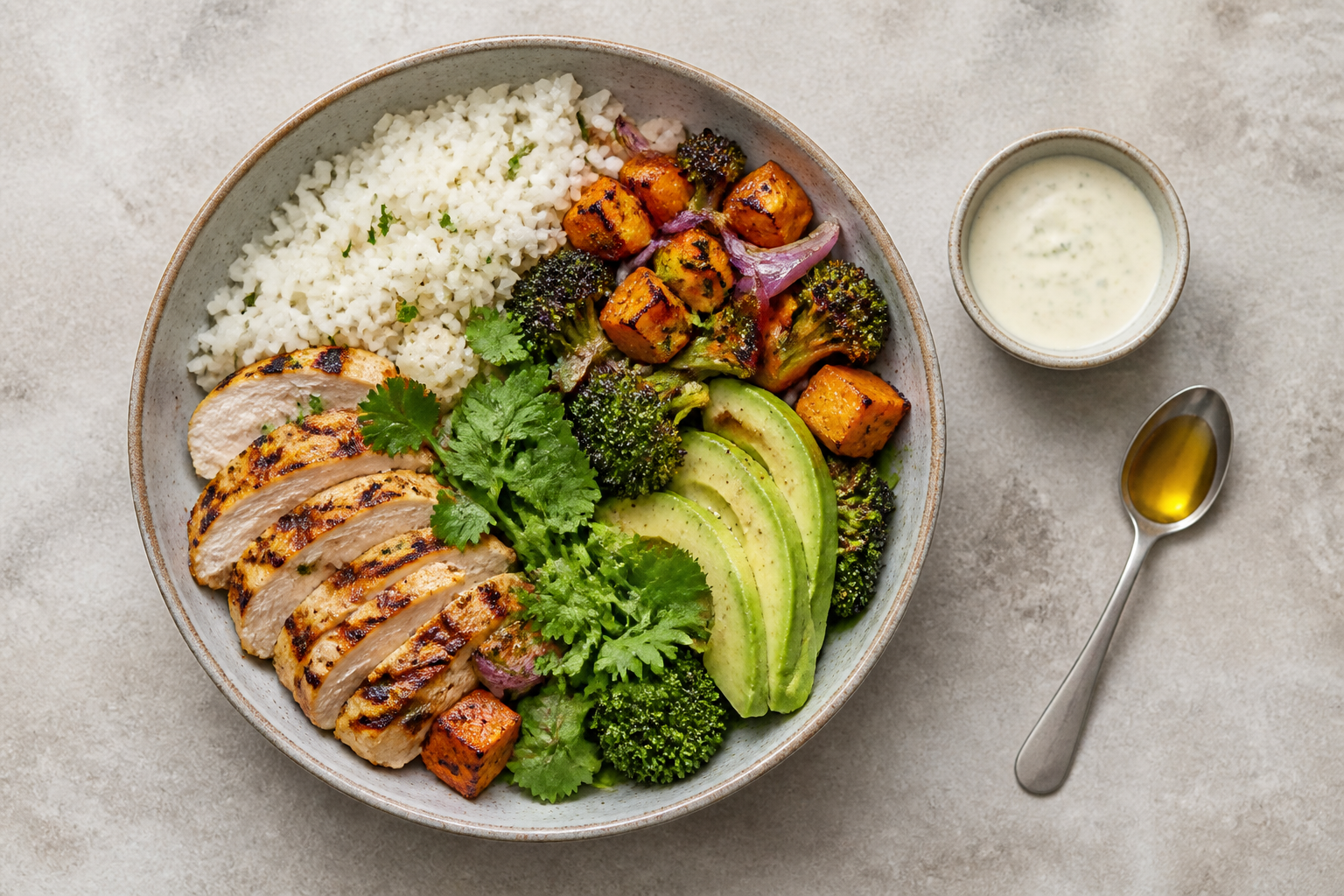
Food identity, serving amount, and hidden oil, sauce, dressing, cheese, sugar, or cooking fat.
Use barcode or a verified label entry for packaged food; use search or manual details for hidden recipe components.
A corrected log is still an estimate when the recipe, cooking method, or portion is not measured.
Before taking the photo: make the visible evidence useful
Appediet can estimate visible foods and portions, but the image is the only evidence it receives at first. Photograph the meal before eating, use even light, keep the full plate or container in frame, and avoid covering one food with another. A top-down or slightly angled view can help separate components, but no angle reveals oil absorbed during cooking or ingredients sealed inside a sandwich.
- Separate foods enough to show their boundaries when practical.
- Include the full plate, bowl, cup, or package rather than a tight crop.
- Photograph sauces and toppings if they are served on the side.
- Keep the physical label nearby for packaged components.
- Do not rearrange a meal so much that the photo no longer represents what you ate.
Use the image to build the first food list, then add the recipe, preparation, and serving details the camera cannot see.
Download Appediet to try it with your next meal.
The seven-step Appediet correction workflow
1. Capture the whole meal
Take or upload one clear image. If the meal arrives in several containers, use separate photos when they make the components easier to identify. Appediet uses the image to suggest visible foods, portions, calories, and macros.
2. Check every detected food name
Read the item list before looking at the total. Confirm that chicken was not labeled as fish, potatoes as bread, or a sweetened drink as water. If a food is wrong, replace the identity before adjusting the portion; changing the amount of the wrong food cannot fix the estimate.
3. Review the serving amount and unit
Check whether each amount is expressed in a unit you understand—piece, cup, ounce, gram, or serving. Use what you know from preparation, packaging, or the restaurant description. When you do not know, choose a reasonable range rather than treating one exact-looking number as certain.
4. Add what the camera cannot see
Common omissions include cooking oil, butter, dressing, mayonnaise, cheese, nuts, sweeteners, cream, marinades, and sauces. Add ingredients you know were present. Do not invent a precise amount for a restaurant recipe you cannot observe; note the uncertainty and use a practical estimate.
5. Use the best input for each component
A meal does not need one logging method. Keep the photo for the visible plate, use barcode or label data for a packaged drink, and use food search for a condiment. Multiple inputs should reduce correction work, not make the diary look technically impressive.
6. Review calories and macros after the edits
Only after food names and amounts are reasonable should you inspect calories, protein, carbohydrate, and fat. If a total changes sharply, return to the item that caused it and check the serving unit. A one-serving versus one-container mismatch is often more important than a small difference in a vegetable estimate.
7. Save, then reuse the corrected pattern
Save when the entry is representative enough for its purpose. If the meal repeats, reuse the corrected structure and change only what actually changed.
What should you correct first?
| Priority | Check | Why it matters |
|---|---|---|
| 1 | Wrong food identity | Nutrition values cannot be meaningfully reviewed until the food match is plausible. |
| 2 | Serving amount or unit | A cup, gram, piece, and package are not interchangeable; the amount scales the result. |
| 3 | Oil, dressing, sauce, cheese, nuts, sugar | These ingredients may be partly or fully hidden and can materially change a meal estimate. |
| 4 | Packaged label mismatch | The physical Nutrition Facts panel can be checked directly against the database entry. |
| 5 | Small low-impact differences | Correct only if the detail matters to your goal; perfection can make tracking unsustainable. |
This order works for general meal logging. If sodium or another nutrient is part of a clinician-directed plan, put that target first and follow the plan’s measurement method.
When barcode, label, or food search is better than a photo
The FDA Nutrition Facts label ties nutrient values to a stated serving size. For a packaged food, scan the barcode and compare the returned product name, serving size, calories, and relevant nutrients with the package in your hand. Then adjust the quantity to what you consumed. A database match should be verified, not assumed.
- Use barcode: sealed packaged foods with a readable code and current label.
- Use food search: a known ingredient, condiment, or drink that the image missed.
- Use manual details: a personal recipe or product whose database entry does not match the label.
- Use photo: visible plates, bowls, restaurant meals, and mixed meals where capturing context is more useful than starting from an empty diary.
USDA FoodData Central is a useful reference for many generic foods, while a current package label is often the most direct source for that exact branded product. Neither source reveals how much restaurant oil or sauce was used.
Example: correcting a mixed lunch bowl
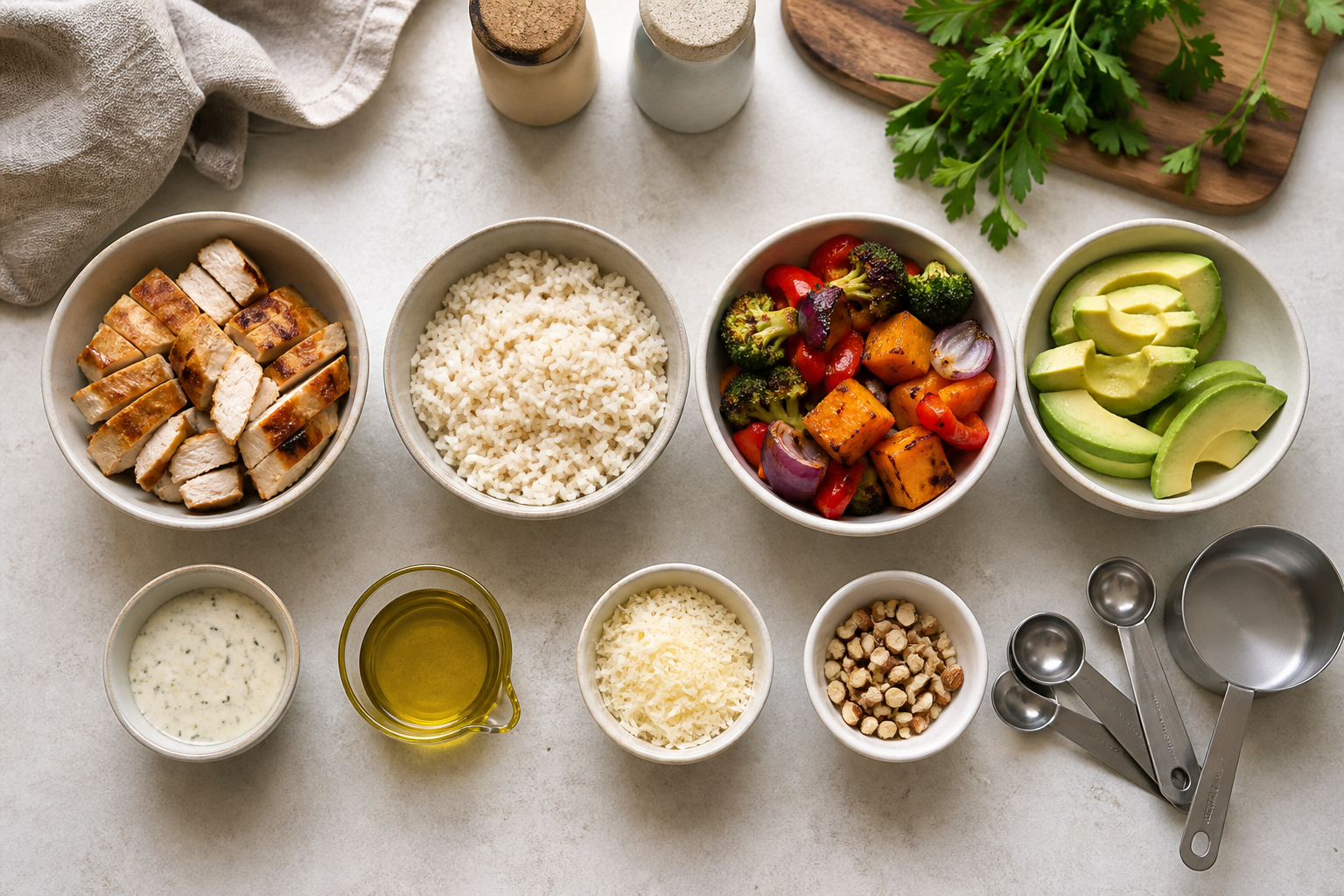
Imagine a bowl with grilled chicken, rice, roasted vegetables, avocado, and dressing. The photo estimate recognizes chicken, rice, vegetables, and avocado but misses the dressing and assumes a larger rice portion than you served.
- Keep the four correctly identified visible foods.
- Reduce the rice amount using what you know from the scoop or recipe.
- Confirm the chicken description matches the preparation rather than choosing a breaded entry.
- Add the dressing from its label, recipe, or a reasonable estimate.
- Check whether oil used for roasting is already represented; do not add it twice.
- Review the updated item list and total, then save.
After those edits, the saved log represents five known components instead of four, uses a more plausible rice portion, and includes the main hidden ingredient. That makes later pattern review easier to interpret.
When is the corrected log good enough?
A log is good enough when it supports the decision you are trying to make without demanding more effort than the decision is worth. For general awareness, correctly identifying the main foods, portions, and hidden calorie-dense ingredients may be sufficient. For a repeat packaged food, matching the label and amount may be sufficient.
Stop when additional edits are unlikely to change the practical conclusion. If lunch regularly leaves you hungry, the useful next step may be testing a more filling composition—not spending ten minutes deciding whether the broccoli was three-quarters or seven-eighths of a cup.
Limits, privacy, and when not to use this workflow
A photo cannot show the exact weight, preparation method, or ingredients hidden inside a dish. Use the scan as a starting point: correct the food names and portions, add what the camera missed, and save only when the entry reflects what you know about the meal.
Food photos and health-adjacent histories are personal data. Review the current privacy disclosure and policy, understand which permissions are optional, and avoid including people, documents, addresses, or unrelated identifying information in a meal photo.
Use this workflow for everyday meal awareness and habit review. If you are managing a medical condition or following a clinician-directed nutrition plan, use the measurement method provided by your care team. If tracking increases anxiety, compulsive checking, bingeing, purging, or unsafe restriction, stop and seek qualified support.
FAQ
Can I correct an Appediet food photo result?
Yes. Open the scan result before saving, check each detected food and portion, add calorie-dense ingredients the photo may not reveal, and switch to barcode or search when another input fits the food better.
What should I correct first in an AI food scan?
Start with food identity, then portion, then hidden ingredients such as oil, dressing, sauce, cheese, sugar, or cooking fat.
When should I use a barcode instead of a food photo?
Use a barcode or verified label entry for a packaged product when the package provides a serving size and Nutrition Facts panel. Compare the database match with the physical label.
Does correcting a scan make the calories exact?
No. Corrections can make a log more representative, but recipe, preparation, database, and portion uncertainty remain.
Should I correct every small difference?
Usually not. Match effort to purpose and correct major foods, portions, and energy-dense ingredients first.
Turn the scan into a reviewable meal record
Photograph one mixed meal in Appediet, check the detected foods, correct the portion and hidden ingredients, and save only after the entry reflects what you know.
Download Appediet