
 Appediet
MyFitnessPal Alternative: What to Look For in 2026
MyFitnessPal still offers one of the largest food databases and a mature tracking ecosystem. The best alternative is not simply “newer”—it should remove the specific friction that keeps you from logging while preserving the tools you actually use.
Choose a MyFitnessPal alternative by testing five things: how quickly you can log your real meals, how trustworthy and editable the nutrition data is, which macro and scanning tools require payment, what happens to your data, and whether the app supports the routine you can maintain.
This guide is for current or former MyFitnessPal users comparing modern calorie trackers. Features and prices change, so product-specific details below were checked against MyFitnessPal’s official U.S. pages on July 13, 2026.

Database coverage, saved meals, barcode support, macro views, progress history, and integrations may be reasons to stay—not obstacles to switching.
Choose an alternative because it improves a recurring task such as mixed-meal logging, search quality, pricing, ads, or data control.
Log the same breakfast, restaurant meal, and packaged snack in both apps. Compare time, corrections, and final usefulness.
First, understand what MyFitnessPal offers in 2026
A useful comparison starts with current facts. MyFitnessPal’s July 2026 help documentation describes a public food database of about 22 million entries, a redesigned Today tab, calorie and macro summaries, saved meals, device syncing, exercise and progress tracking, and an ad-supported free experience.
MyFitnessPal also has modern input methods. Its official help center describes Meal Scan, which uses computer vision to suggest verified foods from an image. As of July 2026, Meal Scan is a Premium feature with operating-system, language, and platform requirements. Premium also includes barcode scanning, voice logging, ad-free use, macros by gram, custom goals, quick-add macros, fasting tools, and other advanced options.
On the U.S. website checked for this article, Premium was listed at $79.99 per year or $19.99 per month, while Premium+ added meal-planning features at a higher price. Prices, taxes, trials, feature availability, and app-store offers can vary by country and platform.
It is no longer accurate to say MyFitnessPal has no photo-based meal scanning or that free users cannot see any macros. Compare the exact free, Premium, and Premium+ experiences available to you.
Good reasons to consider a MyFitnessPal alternative
MyFitnessPal can be the right choice for someone who values database breadth, years of diary history, integrations, community, familiar workflows, or Premium’s expanded toolset. An alternative becomes worth testing when one of those strengths does not solve your everyday friction.
- Your meals are hard to search. Home-cooked, restaurant, or culturally specific mixed dishes may require too many search-and-select steps.
- You want photo-first logging by default. A camera-led workflow may fit better if typing is the main reason you skip entries.
- You want a quieter interface. You may prefer fewer surfaces, recommendations, ads, or social elements around the food diary.
- Your essential tools sit in the wrong tier. Barcode scanning, meal scanning, macro controls, export, or ad removal may be available only in a plan you do not want to pay for.
- Search results create decision fatigue. Database size is valuable, but duplicate or inconsistent entries can make the correct choice harder to identify.
- You want different privacy or data controls. Nutrition logs can be sensitive. The app’s collection, advertising, deletion, export, and account-control policies should match your expectations.
A strong reason is concrete: “I skip dinner logs because rebuilding a mixed plate takes too long.” A weak reason is “AI must be better.” AI can reduce typing, but it can also produce confident-looking estimates that still need correction.
Seven things to look for in a MyFitnessPal alternative
1. Logging speed for your real meals
Do not test only a barcode-friendly snack. Use the foods that create friction: a restaurant bowl, family dinner, homemade curry, salad with dressing, or a repeat breakfast. Time the process from opening the app to saving a reviewed log.
A fast app should offer more than one route: photo scan for visible mixed meals, barcode or label data for packaged foods, manual search for precise entries, and saved meals for repetition. The best route changes with the meal.
2. A correction workflow—not just an AI result
Photo recognition should produce a draft, not an unquestionable answer. Check whether you can change the food, portion, cooking method, calories, and macros. Look for an easy way to add oil, sauce, cheese, drinks, and hidden ingredients.
If the app makes editing harder than accepting the estimate, convenience can create false precision. A trustworthy product shows uncertainty through reviewable components.
3. Database quality, coverage, and provenance
MyFitnessPal’s scale helps with branded and regional foods. A smaller alternative may feel cleaner but may miss products you buy. Search for ten foods you eat regularly, including local brands, restaurant items, and basic ingredients.
Look for verified entries, source labels, barcode matches, sensible serving units, and a way to report errors. USDA FoodData Central is a useful authoritative reference for many foods, but no single database covers every brand, recipe, or country.
4. Macro visibility and goal controls
Define what “macro tracking” means to you. Seeing a percentage summary is different from setting gram targets, viewing grams remaining, changing targets by day, or tracking nutrients beyond protein, carbohydrate, and fat.
MyFitnessPal’s 2026 documentation says free users can see macro percentages in the Today experience, while Premium adds gram-based controls and additional views. Check the exact alternative tier instead of relying on a generic “macro tracking included” claim.
5. Transparent total pricing
List the features you consider essential, then compare the plan that actually contains them. Include annual versus monthly billing, renewal terms, trials, taxes, app-store pricing, and whether a lower introductory price changes later.
Price is not only the subscription fee. A free app that takes too much time can be expensive in attention; a paid app is poor value if you use only basic search. Choose the least costly tier that solves your real problem.
6. Privacy, advertising, export, and deletion
Read the privacy policy before entering health-adjacent routines. Ask what nutrition, activity, device, location, and advertising data is collected; which service providers or advertising partners may receive data; how to opt out where available; and how to delete the account.
Export matters even if you are not leaving today. MyFitnessPal documents a Premium export that sends meal nutrition, progress, and exercise history as CSV files. An alternative should explain whether it can export data, what fields are included, and whether you can use the file elsewhere.
7. Integrations, history, and social support
If your tracker connects to a wearable, health platform, gym program, coach, or friends, verify those exact links. “Integrates with health apps” is too vague. Check read/write direction, supported data types, synchronization frequency, and what happens when entries are edited.
Long history can also be valuable. Years of saved recipes, weigh-ins, and meal patterns may outweigh a cleaner interface. Community features can matter if accountability comes from friends rather than the tracker itself.
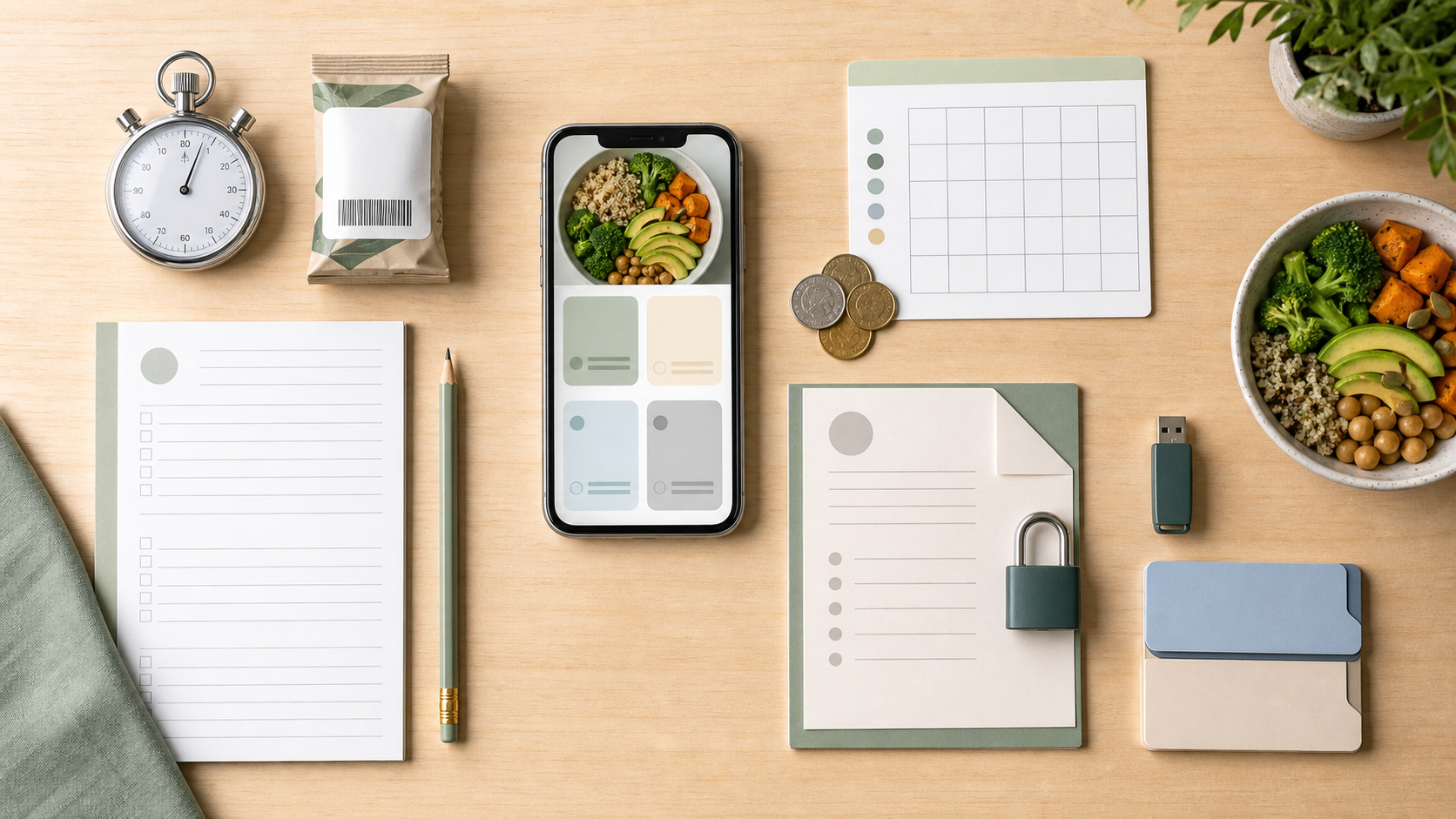
MyFitnessPal vs an AI-first alternative: the practical tradeoffs
| Decision area | MyFitnessPal in 2026 | What to test in an AI-first alternative |
|---|---|---|
| Food coverage | Broad Official documentation cites about 22 million public foods. | Coverage of your brands and cuisines; verified sources; fewer confusing duplicates. |
| Photo logging | Premium Meal Scan suggests verified foods and allows serving edits. | Whether photo scanning is central, fast, editable, and available in your chosen tier. |
| Packaged foods | Mature Barcode scanning is listed as a Premium feature. | Barcode coverage, label matching, correction, and regional product support. |
| Manual control | Detailed Search, recipes, saved meals, goals, and extensive history. | Whether AI estimates can be replaced or edited without fighting the interface. |
| Macro tools | Tiered Free users see percentages; Premium adds gram controls and more views. | Exactly what is visible and customizable before and after subscribing. |
| Ads and focus | Ad-supported The free experience includes advertising; Premium is ad-free. | Whether the interface is ad-free, what recommendations appear, and how attention is used. |
| Migration | Export available Premium export provides CSV history. | Whether the alternative imports that format and preserves dates, meals, nutrients, and measurements. |
The table does not produce one universal winner. Database depth favors MyFitnessPal for many branded-food users. A photo-first alternative may win when meal-entry friction is the reason tracking fails.
A migration checklist before you cancel or switch
- Write down your must-have features. Separate essentials from features you rarely use.
- Run a seven-day parallel test. Log the same meals in both apps and compare time, errors, frustration, and insight.
- Check your subscription date. Confirm renewal, trial, cancellation, and regional refund terms before making changes.
- Export what you can. Download available diary, progress, and exercise history. Open the files to confirm they contain the dates and fields you expect.
- Confirm import support. A CSV export does not guarantee the destination app can read it. Ask about schema, units, time zones, and duplicate handling.
- Save important recipes and baselines. Keep copies of repeat meals, current averages, goal settings, and measurements you want to reference.
- Keep the old account briefly. If allowed and useful, finish the transition before deleting data or ending access.
If old diary history does not affect your next decision, recreate only your five to ten repeat meals and begin with a clean baseline. Do not spend hours moving data you will never review.
Where Appediet fits as a MyFitnessPal alternative
Appediet is best evaluated as a change in logging workflow, not as a line-by-line replica of MyFitnessPal. The starting point is a meal photo: review the generated foods and portions, correct what the camera cannot know, then save reliable repeats. Barcode and manual entry remain available when package data or a known recipe is the better source.
For a fair migration test, use Appediet for the same seven breakfasts, lunches, dinners, snacks, and restaurant situations you normally log elsewhere. Measure how often you finish the log, how much correction is required, and whether AppeChat helps answer concrete follow-up questions. Do not switch merely because the first scan feels novel; switch only if the full week is easier to maintain.
Users who depend on a specific integration, exported history, community feature, or specialized database should verify that requirement before moving. Appediet’s strongest fit is someone who values a photo-first daily routine and editable results more than duplicating every part of a larger legacy ecosystem.
Who should switch—and who should stay?
Consider an alternative if...
- You skip mixed-meal logs because database search takes too long.
- You want photo capture to be the default rather than a secondary paid tool.
- You prefer a simpler interface or different subscription structure.
- You are comfortable reviewing AI-generated portions instead of expecting automatic certainty.
- Your repeat foods are covered and you do not depend on long-term social or diary history.
Consider staying with MyFitnessPal if...
- Its large database consistently finds your regional, restaurant, and branded foods.
- Your saved meals, recipes, integrations, friends, and history are central to your routine.
- You already have the tier that includes the tools you value and the price works for you.
- The familiar workflow is fast because you eat repeat foods and use recent-history shortcuts.
- Migration would create more friction than the alternative removes.
The best calorie tracker is not the app with the longest feature list. It is the one that turns your real meals into useful, reviewable data with a level of effort and cost you can sustain.
Important limitations
Product features, prices, trials, supported countries, operating-system requirements, privacy policies, and database sizes can change. Verify the current details in your region before purchasing. App-store pricing may differ from website pricing.
Food tracking apps estimate intake and support awareness; they are not medical devices, dietitians, or a substitute for individualized care. People using nutrition data for diabetes medication, eating-disorder treatment, kidney disease, pregnancy, allergies, or another clinical need should follow qualified professional guidance.
FAQ
Why look for a MyFitnessPal alternative in 2026?
MyFitnessPal remains a capable tracker, but another app may fit better if you want photo-first logging, a simpler workflow, different pricing, fewer ads, or less reliance on database search. The reason to switch should be a specific mismatch, not the assumption that MyFitnessPal lacks modern features.
Does MyFitnessPal have AI meal scanning?
Yes. MyFitnessPal’s Meal Scan uses computer vision to suggest foods from a meal image. As of July 2026, its official help center lists Meal Scan as a Premium feature with platform, operating-system, and language requirements.
Can I export MyFitnessPal data to another app?
MyFitnessPal documents a Premium data export that provides meal nutrition, progress, and exercise history as CSV files. Whether another app can import those files depends on that app, so confirm field compatibility before subscribing or switching.
Is a smaller curated food database better than a larger database?
Not automatically. A large database helps with regional and branded foods; a curated database may reduce duplicate or inconsistent search results. Check whether the app shows data sources, allows corrections, and covers the foods you eat most often.
Who is Appediet best suited for as an alternative?
Appediet is best suited to people who want to start meal logs from photos, review and edit the estimate, use barcode or manual entry when appropriate, save repeat meals, and ask practical questions through AppeChat. Users who prioritize a long social history or maximum branded-food coverage may prefer another option.
Try a photo-first calorie tracking workflow
Use Appediet to scan a meal, review the estimate, correct important details, and save repeat meals—without giving up manual or barcode entry when those are better.
Download Appediet