
 Appediet
Wrong Food Entry? Find the Right Match in Appediet
Choose a suitable Appediet food entry by checking identity, preparation state, serving unit, portion, label evidence, and hidden ingredients.
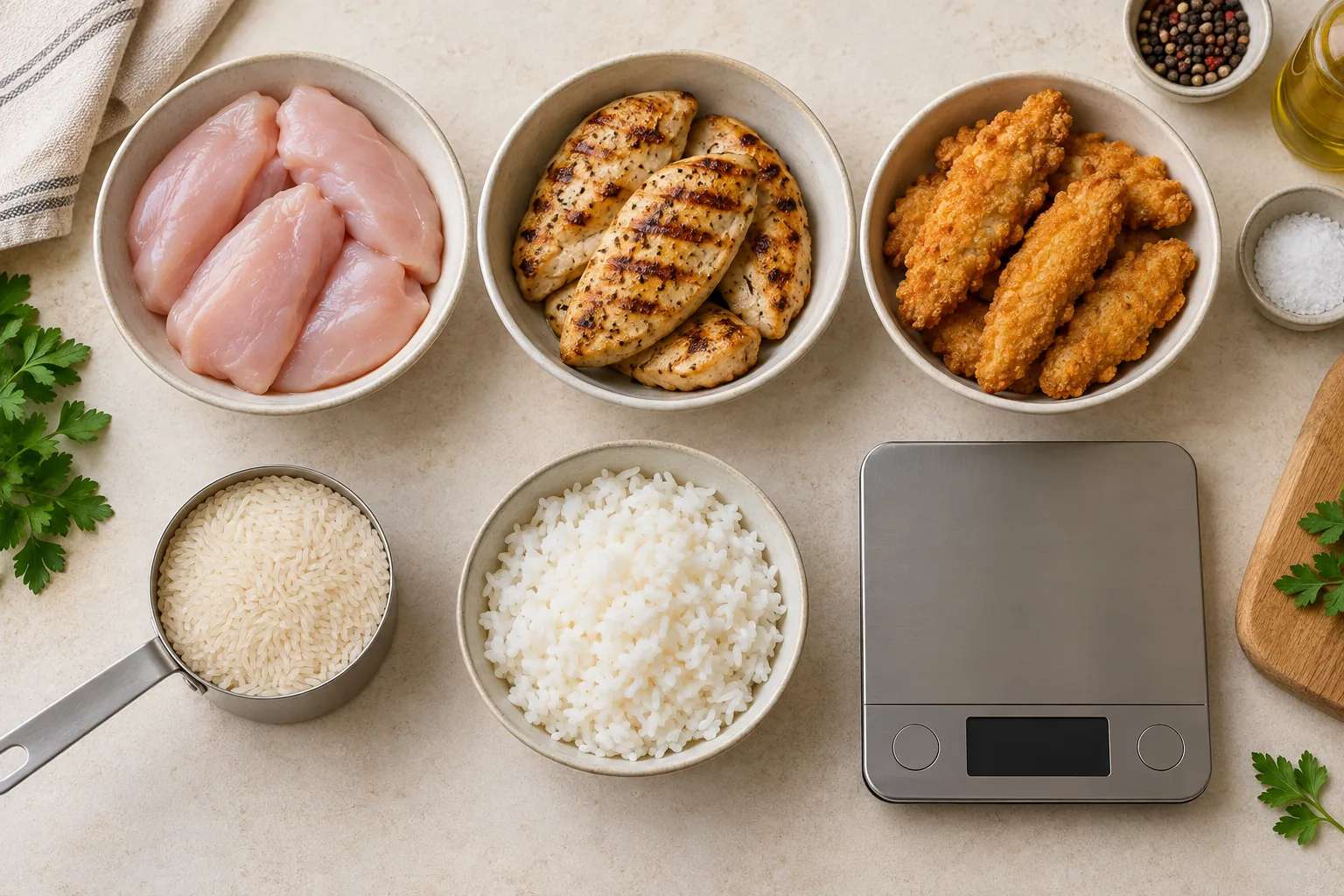
Choose a food entry by matching the food before matching the number. Confirm the brand or generic food, raw or cooked state, added ingredients, serving unit, and amount. Then compare the entry with a package label or an authoritative reference when one is available. The goal is not to find a convenient calorie value; it is to create a transparent record that reasonably describes what was eaten.
Who is this guide for?
This guide is for Appediet users who see several similar food results or need to review a food identified from a meal photo. It focuses on a general selection method that remains useful even when button names or interface layouts change.
Typical examples include:
- chicken entries that differ by raw, roasted, grilled, breaded, skin-on, or skinless preparation;
- rice entries that use dry or cooked weight;
- yogurt, cereal, sauces, and snacks where the exact product and serving label matter;
- mixed meals where the food family is recognizable but the preparation or portion remains uncertain.
Download Appediet to try it with your next meal.
Start with identity, not calories
Two entries can have similar names and different values because they describe different products, preparation states, or serving bases. Before comparing totals, ask:
- Is this a branded product or a generic food?
- Is it raw, cooked, drained, baked, fried, sweetened, or otherwise prepared?
- Does the entry include skin, sauce, oil, syrup, breading, or another ingredient?
- Is the serving measured in grams, milliliters, pieces, cups, or a package-defined serving?
- Does the description match the country and label being used?
A calorie value cannot repair a mismatched identity. Dry rice and cooked rice may share the same basic name, but their weights are not interchangeable.
A five-step entry check
1. Match the product or choose a suitable generic food
Use the exact product when the package and entry clearly match. A generic entry can be appropriate for an unpackaged whole food when its description and preparation state are clear.
Neither type is the right choice in every case. A product entry may be the closest match to the label in front of the user, while a generic food-composition entry may describe a basic food with a broader set of nutrients. The correct choice depends on the food that was actually eaten and the purpose of the log.
2. Match the preparation state
Water loss, water gain, draining, added fat, and removed skin can change nutrients per unit of weight. Check descriptions for differences such as:
- raw versus cooked;
- roasted, grilled, boiled, or fried;
- skin-on versus skinless;
- packed in water versus oil;
- sweetened versus unsweetened;
- prepared food versus dry mix.
If the wording is unclear, use the closest supported match and keep the uncertainty visible instead of treating the entry as exact.
3. Match the serving basis before changing the quantity
“1 serving” is not a universal amount. One entry may define a serving as a package portion, while another uses a household measure or a weight.
Use a unit that can be explained:
- for packaged food, start with the current label and the amount actually eaten;
- for weighed food, use the measured weight and match the raw or cooked state;
- for unweighed food, use a familiar household measure or item count and accept a wider estimate range.
Do not multiply an entry until its serving basis is understood. Multiplying the wrong unit only multiplies the mismatch.
4. Cross-check the fields that matter
For packaged food, compare the entry with the current label. Useful checks include:
- serving size and servings per container;
- calories per labeled serving;
- protein, carbohydrate, and fat;
- fiber, sodium, or another field that matters to the reader’s purpose.
Small differences can reflect rounding, formulation changes, database updates, or a different serving basis. A large difference is a reason to recheck the food identity, unit, and amount.
For generic food, USDA FoodData Central can provide a useful reference, but it does not replace the package label for an exact branded product or the recipe for a homemade dish.
5. Correct the right part of the log
Use the correction options available in the current Appediet version according to the type of mismatch:
- wrong food identity: choose a closer food result;
- wrong preparation state: select an entry that matches how the food was prepared;
- wrong amount: keep the food and adjust the portion using a suitable unit;
- hidden ingredient: add oil, dressing, sauce, sugar, cheese, or another missing component separately;
- known label mismatch: use the current package label as the stronger source for that exact product.
Appediet’s App Store version history states that iPhone scan results support alternative food matches and direct editing of protein, carbohydrate, and fat. Use those controls when the mismatch concerns food identity or macros; adjust the portion and add missing ingredients separately when the mismatch concerns quantity or composition.
Example: cooked chicken
Suppose a meal contains cooked, skinless chicken breast. Similar-looking results could represent raw meat, cooked meat, meat with skin, breaded chicken, or a prepared restaurant item.
The selection should match:
- cooked rather than raw;
- skinless rather than skin-on;
- plain rather than breaded or sauced;
- the unit used to estimate or measure the portion.
Oil and sauce should be represented separately when possible. A plain chicken entry should not silently absorb ingredients that are not part of its description.
Example: packaged yogurt
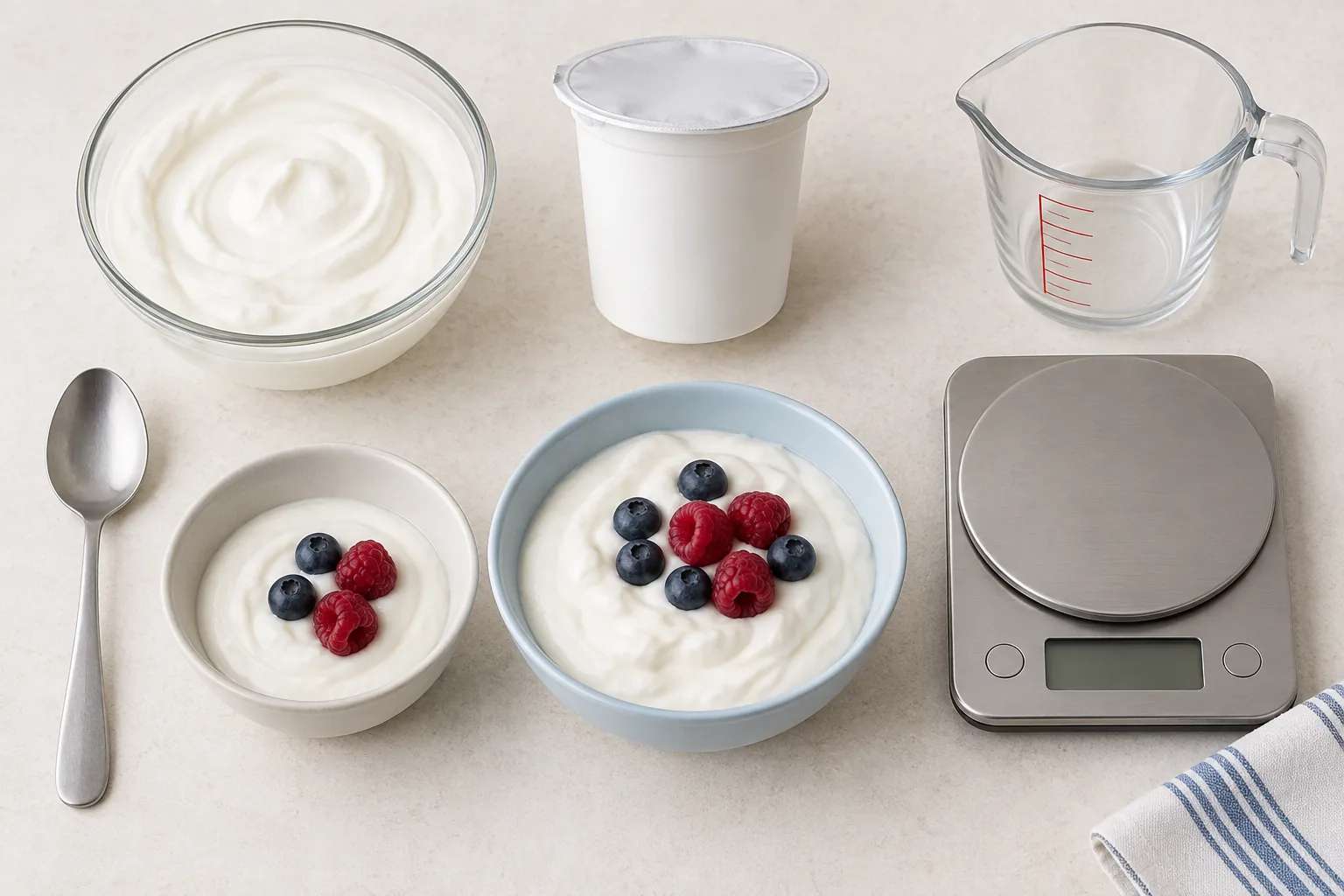
For packaged yogurt, match the product, flavor, fat level, sweetened or unsweetened status, and serving size. If the package amount differs from the entry’s default serving, adjust the amount rather than choosing a different product only because its calorie value looks familiar.
If the package label has changed, an older database entry may no longer match. Use the label in front of you and keep the discrepancy visible.
What if no result is a good match?
Do not select an unrelated result just to complete the log. Refine the search, scan the package barcode, use a label-matched custom My Food entry, or build the meal from separate ingredients. For iPhone scan results, the same App Store version history also describes selecting alternative matches.
When no exact entry exists, record the strongest available source and the assumption used. A transparent estimate is more useful than false precision.
Common mistakes
- choosing by calories alone while ignoring preparation and serving unit;
- using a dry-food entry with a cooked-food weight;
- logging the whole package when only part was eaten;
- treating a homemade or restaurant recipe as identical to a generic entry;
- leaving oil, sauce, drinks, or toppings hidden inside the main food;
- changing values to fit a target without label or recipe evidence;
- assuming a photo reveals exact grams or invisible ingredients.
A final review before saving
Ask:
- Does the name describe the food eaten?
- Does the preparation state match?
- Is the serving unit understood?
- Does the amount represent the user’s portion?
- Are hidden extras represented separately?
- Is there a label, recipe, or authoritative source that should resolve a large mismatch?
If one answer is no, review the entry before relying on the daily total.
Important limitations
Food databases and package labels can differ because of formulations, serving definitions, rounding, and update timing. Photo estimates add uncertainty from lighting, occlusion, mixed dishes, and portion depth. This method improves selection discipline; it does not make every log exact.
Food records support awareness and pattern review. They are not a substitute for individualized clinical nutrition care or laboratory measurement.
FAQ
Should I always choose a branded entry?
No. Choose it when it matches the exact product and current label. A well-described generic entry can be appropriate for a basic whole food.
Is raw weight the same as cooked weight?
No. Cooking changes water content and can change nutrients per unit of weight. Match the entry to the state that was weighed or estimated.
What if calories and macros do not align perfectly?
Recheck the serving basis, label version, rounding, and food identity. Preserve the strongest source rather than editing values only to make them look tidy.
Can a photo identify the exact portion?
A photo can provide a useful starting point, but exact weight and hidden ingredients usually require user confirmation or another source.
Sources
- USDA FoodData Central: https://fdc.nal.usda.gov/
- Appediet on Google Play: https://play.google.com/store/apps/details?id=com.appediet.appediet
- Appediet on the App Store: https://apps.apple.com/us/app/ai-calorie-counter-appediet/id6450329545
- Appediet, How AI Estimates Food Calories: https://www.appediet.com/blog/how-ai-estimates-food-calories
- Appediet, AI Food Scanner vs Manual Calorie Logging: https://www.appediet.com/blog/ai-food-scanner-vs-manual-calorie-logging
Put the entry-check method into practice
In Appediet, review the food name, preparation state, serving unit, amount, and label match before saving your next meal.
Download Appediet