
 Appediet
Lifesum or Appediet? Planning and Food Logs
Choose Lifesum when your main task is planning meals ahead; consider Appediet when your main task is recording and reviewing what you actually ate.
Test both approaches with one ordinary week. The useful choice depends on whether recipes and plans reduce your daily decisions or flexible logging fits real meals.

- Plan ahead Start with recipes, a program, and meals arranged before you eat.
- Track reality Start with the meal you actually ate, then review and correct the record.
- Mix both Use ideas for direction and keep the log flexible when plans change.
Download Appediet to keep your food record.
Start with the job you need
A feature list can make two nutrition apps look almost identical. Both may mention recipes, food tracking, goals, and personalized guidance. The difference becomes clearer when you place each feature inside a real task.
Meal planning begins before the meal. You choose a program or recipe, arrange ingredients, decide when to cook, and often shop with several meals in mind. Everyday tracking begins during or after the meal. You record what was served, correct the foods and portions, and use the finished log to understand the day.
Lifesum’s current help materials describe Premium meal plans and programs, a recipe section, shopping-list support in selected plans, and traditional or AI-assisted food tracking. Appediet presents personalized recipe ideas alongside photo and food-search logging, calorie and macro estimates, meal-level nutrition insights, and goal progress. That gives you two useful starting points for different routines.
If your hardest problem is deciding what to cook before the week starts, examine the planning flow first. If your hardest problem is capturing mixed, changing, or unplanned meals, examine the logging and correction flow first.
How the two routines differ
| Decision | Lifesum workflow | Appediet workflow | What to check yourself |
|---|---|---|---|
| Where the day starts | A program, meal plan, recipe collection, or diary | A meal to log, a food search, recipe ideas, or nutrition guidance | Which screen you naturally return to each day |
| Planning depth | Published meal plans can organize recipes across several days and may include shopping-list support | Recipe recommendations can help you choose a meal around goals, preferences, and eating patterns | Whether you need a schedule or simply a useful next-meal idea |
| Food logging | Traditional database logging and Premium AI tracking are both documented | Photo, text, food search, and barcode logging support an everyday meal record | How many corrections your normal meals require |
| When plans change | Replace or leave the planned recipe, then record what you eat | Record the actual meal and use a recipe idea for a later meal | Whether changing plans feels easy or creates duplicate work |
| Access | Meal plans, programs, AI tracking, favorites, and the full recipe collection are described as Premium features | Feature access should be checked in the current Appediet purchase screen | Your device, region, trial terms, renewal interval, and required feature |
The planning column and the tracking column each earn their place by fit. A plan only helps if it matches your schedule and ingredients. A log only helps if you review it and correct obvious mismatches. Test the whole routine, not the marketing label.
For this step: Check the home-cooking record.
Compare one ordinary week, not one ideal day
Use the same four situations in both apps. This creates a fairer comparison than opening each app once and counting menu items.
Monday: a predictable breakfast
Choose a breakfast you eat often. In Lifesum, see whether a relevant recipe or saved meal fits the portion and ingredients you use. In Appediet, record the actual breakfast and check whether the foods, serving basis, and visible macro values are easy to review. The important measure is whether tomorrow’s repeat takes less thought without hiding a changed portion.
Wednesday: dinner changes at the last minute
Suppose a planned recipe becomes takeout or leftovers. In a planning-led routine, notice how easily you can replace the planned meal and keep the rest of the day understandable. In a tracking-led routine, record the food you actually ate and note any ingredient that the photo or description cannot reveal, such as oil, sauce, cheese, or a sweetened drink.
Friday: a recipe you want to adapt
Take one recipe and change a practical detail: swap a vegetable, use a different protein, reduce the number of servings, or cook with what is already at home. Check whether the recipe remains useful after the change and whether the final food log reflects the meal you made rather than the original idea.
Weekend: food outside your routine
Use a restaurant, shared meal, or family dish. A structured plan may still provide direction for the day, but the meal itself will require flexible recording. This is where correction controls, notes, serving units, and the ability to accept some uncertainty become more important than a perfectly scheduled menu.
At the end of the week, ask which app reduced forgotten decisions and which app helped you understand the meals that really happened. You may find that recipes are useful for two or three meals while flexible logging carries the rest of the week.
Recipes, plans, and flexibility
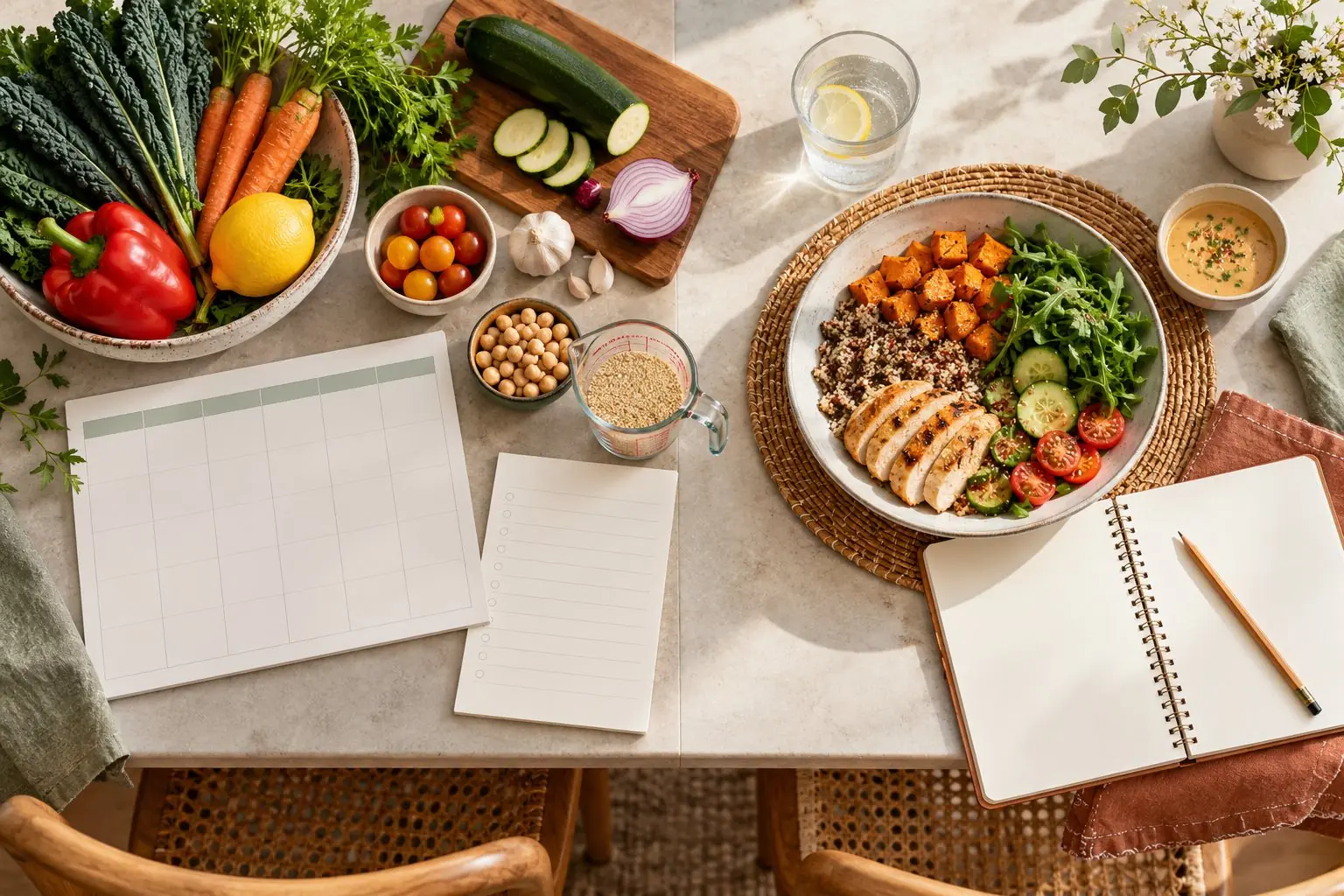
Lifesum separates several recipe experiences. Its help center describes a Recipe tab, programs and meal plans, and the ability to create personal recipes. Some meal plans arrange several days of meals and include shopping-list support. The full recipe collection and meal-plan features are tied to Premium access in the current documentation.
That structure can suit someone who wants the app to narrow a large number of food decisions in advance. It also asks you to work with the plan: check ingredients, shop, prepare food, and replace meals when life changes. A recipe scheduled for Tuesday is still only useful if Tuesday gives you the time and ingredients to make it.
Appediet’s current public description focuses on personalized recipe ideas based on goals, preferences, and eating patterns. Treat those ideas as candidates for the next meal. Compare preparation time, available ingredients, serving size, and the people you are cooking for. After the meal, log what you actually served, including substitutions and extras.
If you enjoy planning several days at once, a defined program may reduce repeated decisions. If you prefer deciding one meal at a time, a lighter recommendation flow may feel more natural. If you cook for a family, travel often, or rely on leftovers, the ability to adapt and record reality may matter more than following a complete schedule.
Logging and correction shape the long-term experience
Both apps support food tracking, so compare them with your own meals. Use your own meals and check the path from first input to a record you trust enough to keep.
- Record a simple packaged food and confirm the serving unit.
- Record a mixed meal and check whether separate components can be reviewed.
- Add an ingredient that is easy to miss, such as dressing, oil, or a drink.
- Correct one portion and see whether the change remains clear when you return later.
- Repeat yesterday’s common meal and check that the copied amount still matches what you ate.
Lifesum documents traditional database search, barcode scanning, recent items, favorites, saved meals, custom foods, and AI tracking. Appediet supports photo and text-based meal capture, food search, barcode input, and review of estimated calories and macros. The relevant choice depends on what you eat and how often you need to correct it.
Make the test representative of your real eating. Include one food with a readable label, one home-cooked mixed dish, and one meal with an uncertain ingredient. Count the questions you still have after saving. A routine that makes assumptions visible is more useful than one that merely produces a number quickly.
Continue with the detail you need: Keep a record when dinner changes.
Check access and continuity before committing
Lifesum’s current help pages identify meal plans, programs, AI tracking, favorites, additional nutritional details, and full recipe access as Premium benefits. Appediet offers in-app purchases, and the current purchase screen is the right place to confirm which recipe, logging, and guidance features are included for your account.
Before subscribing, check the feature on the device you will actually use. Review the trial period, renewal interval, cancellation route, and what happens to saved recipes or logs if the plan changes. Base the choice on the current price shown for your country and your device.
Continuity also matters. Ask whether you can find yesterday’s meal, reuse a common breakfast, update a personal recipe, and understand older entries after a feature redesign. The app you can return to calmly is more valuable than the one with the longest feature list.
Choose by the routine you can repeat
Use Lifesum’s planning side when you want a defined program, several days of meal ideas, a recipe collection, and shopping support to shape the week before it happens. Use Appediet’s meal-first side when you want to capture what happened, inspect estimated calories and macros, and combine flexible logging with personalized recipe inspiration.
Keep the choice practical. A person can plan weekday lunches, improvise dinners, and log restaurant meals. The right test is whether the app supports those transitions without making the record confusing.
- Pick three ordinary meals, not three showcase meals.
- Try one planned recipe and one changed plan.
- Check corrections, saved items, and serving units.
- Confirm the current feature access on your device.
- Choose the routine that leaves you with fewer unresolved food decisions.
Frequently asked questions
Does Lifesum include meal plans?
Yes. Lifesum’s current help center documents Premium programs and meal plans, including multi-day plans and recipe suggestions. Available plans can depend on the current app and account.
Does Appediet offer recipe suggestions?
Yes. Appediet currently presents personalized recipe ideas based on goals, preferences, and eating patterns.
Can I use recipes and still log a different meal?
Yes. Treat a recipe as a plan or idea, then record the food and portion you actually ate when the meal changes.
Which app fits an unpredictable schedule?
Test how each app handles a changed plan, leftovers, mixed meals, and corrections. The useful choice is the routine that remains clear when your week does not follow the original plan.
Sources
Test the routine with one ordinary week
Plan one meal, change one meal, and log one mixed dish. Review how each workflow handles the week you actually have.